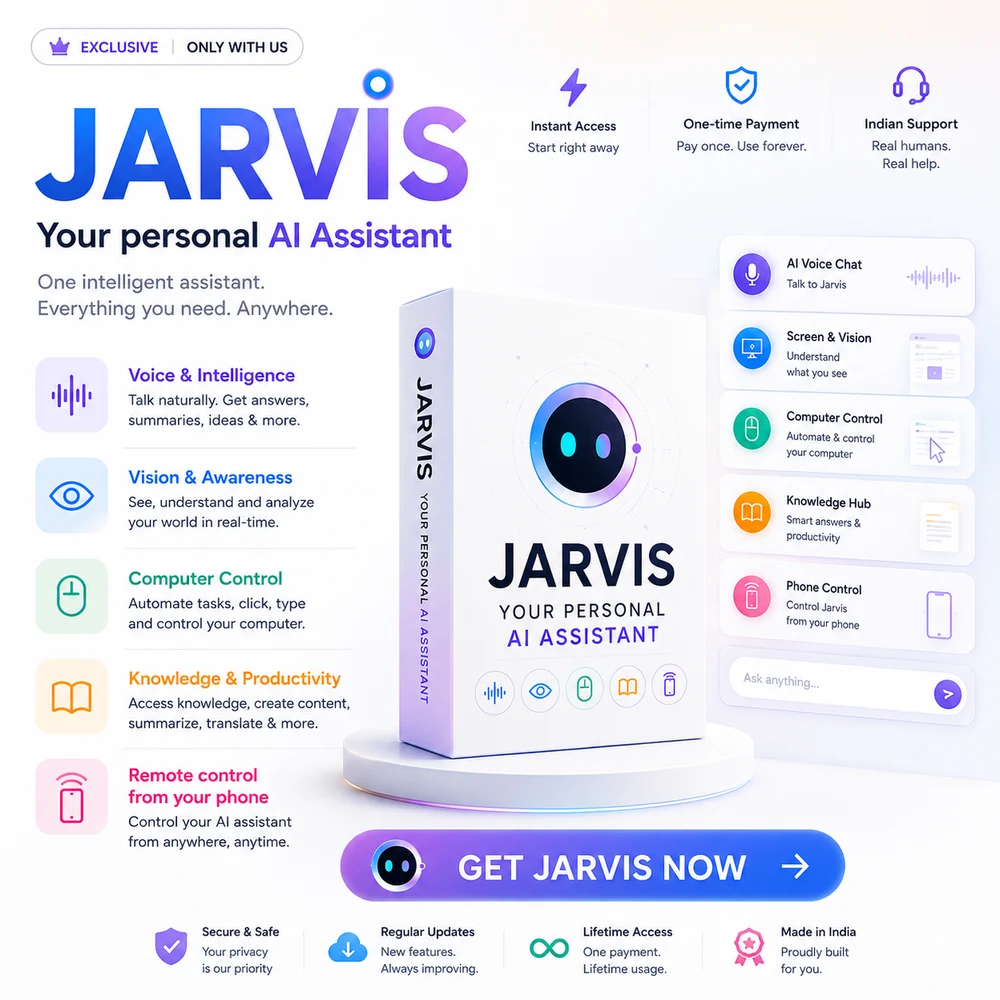
Say it out loud — JARVIS hears you, sees your screen, opens your apps, sets your reminders, and talks back. A real personal AI assistant on your own machine, running on a free API key. No subscription. Ever.
🎙 “Jarvis, what's on my screen?”🎙 “Open Chrome and search flights to Goa”🎙 “Remind me to call mom at 6”🎙 “What's the weather today?”🎙 “Write a polite reply to this email”🎙 “Set a timer for 20 minutes”🎙 “Summarize this document”🎙 “What's in the news this morning?”🎙 “Take a note: call the printer guy”🎙 “Explain this error on my screen”🎙 “Jarvis, what's on my screen?”🎙 “Open Chrome and search flights to Goa”🎙 “Remind me to call mom at 6”🎙 “What's the weather today?”🎙 “Write a polite reply to this email”🎙 “Set a timer for 20 minutes”🎙 “Summarize this document”🎙 “What's in the news this morning?”🎙 “Take a note: call the printer guy”🎙 “Explain this error on my screen”
See JARVIS at work
Not a chatbot. A doer.
Five everyday moments, straight from the assistant itself.
01
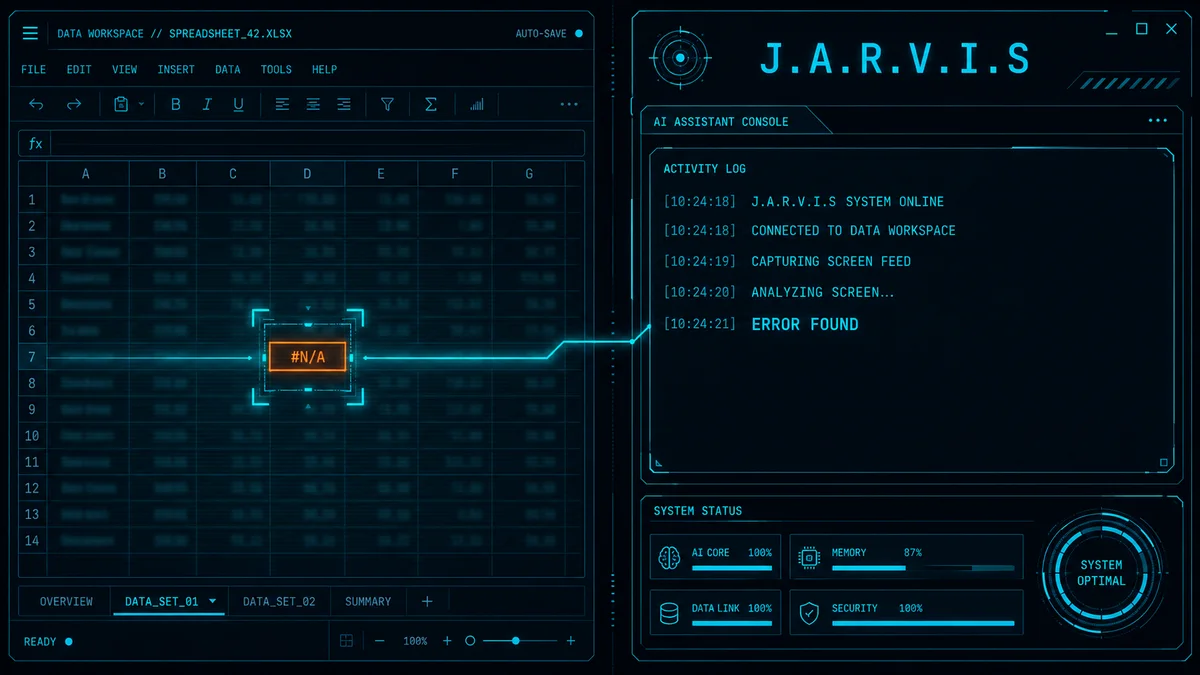
It sees what you see
Stuck on an error, a confusing form, a spreadsheet that won't behave? Ask about your screen and JARVIS reads it instantly — then explains, fixes, or drafts whatever comes next.
02
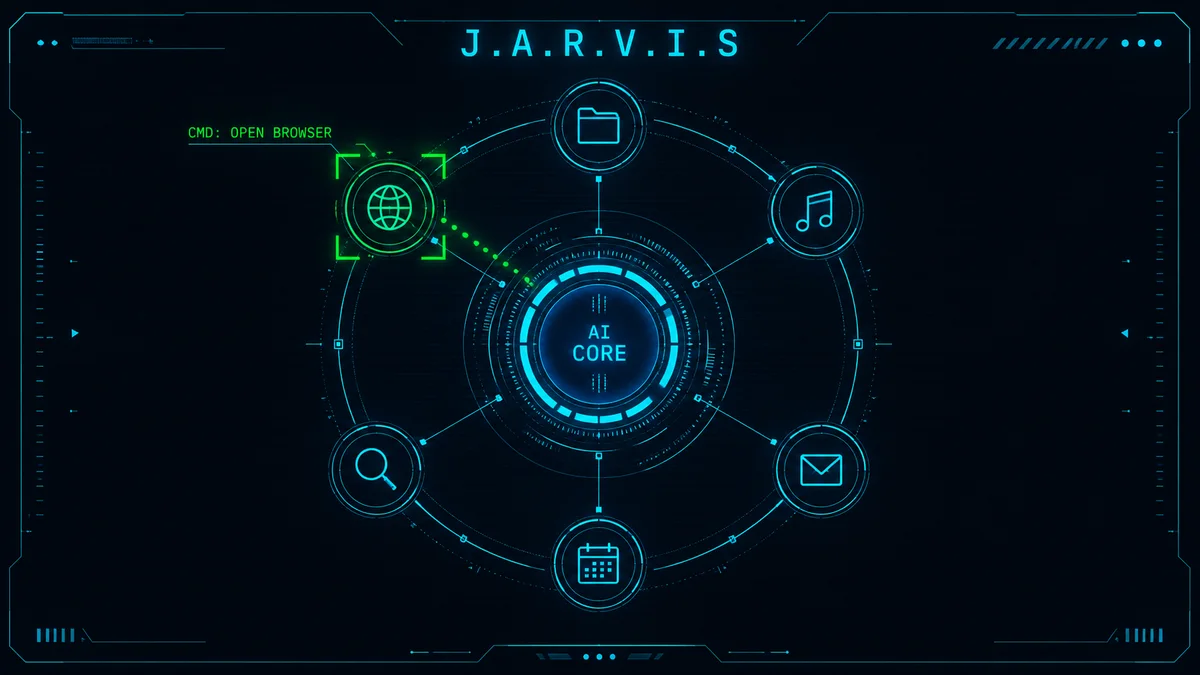
Your hands never leave the keyboard
Open apps, run searches, play music, launch folders — by voice, while you keep working. It's the difference between having a computer and having an assistant.
03
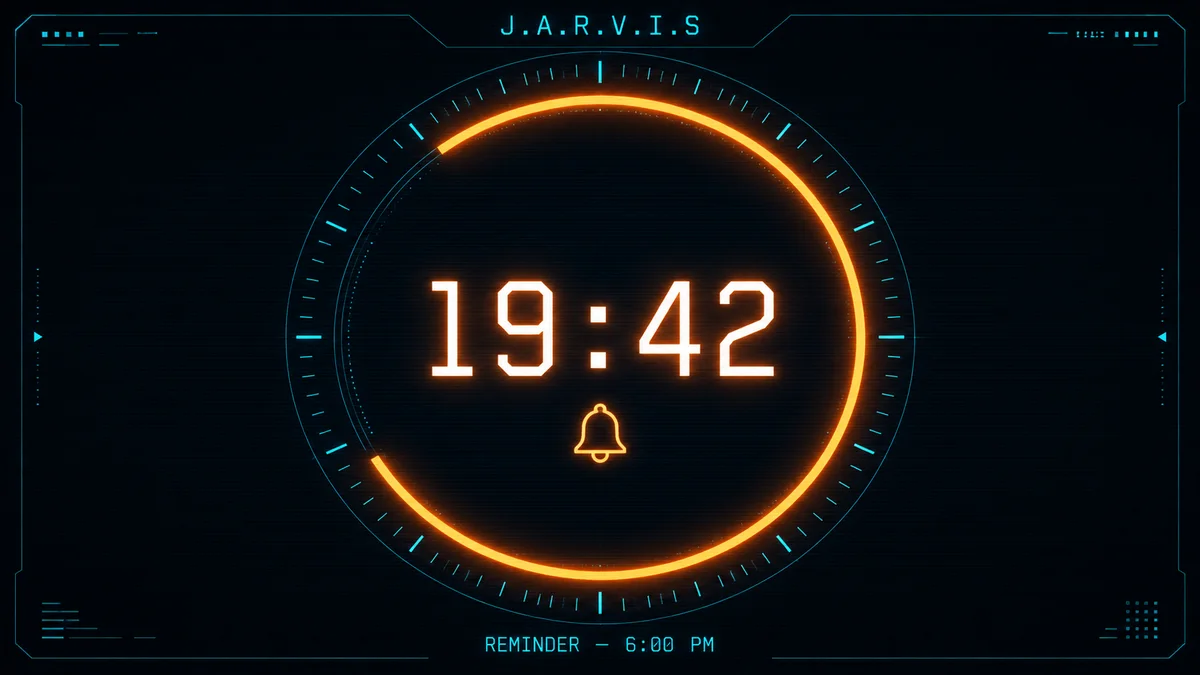
It remembers so you don't have to
Reminders and timers by voice, announced out loud when they're due. The mental load of tracking small things — gone.
04
Your day, briefed out loud
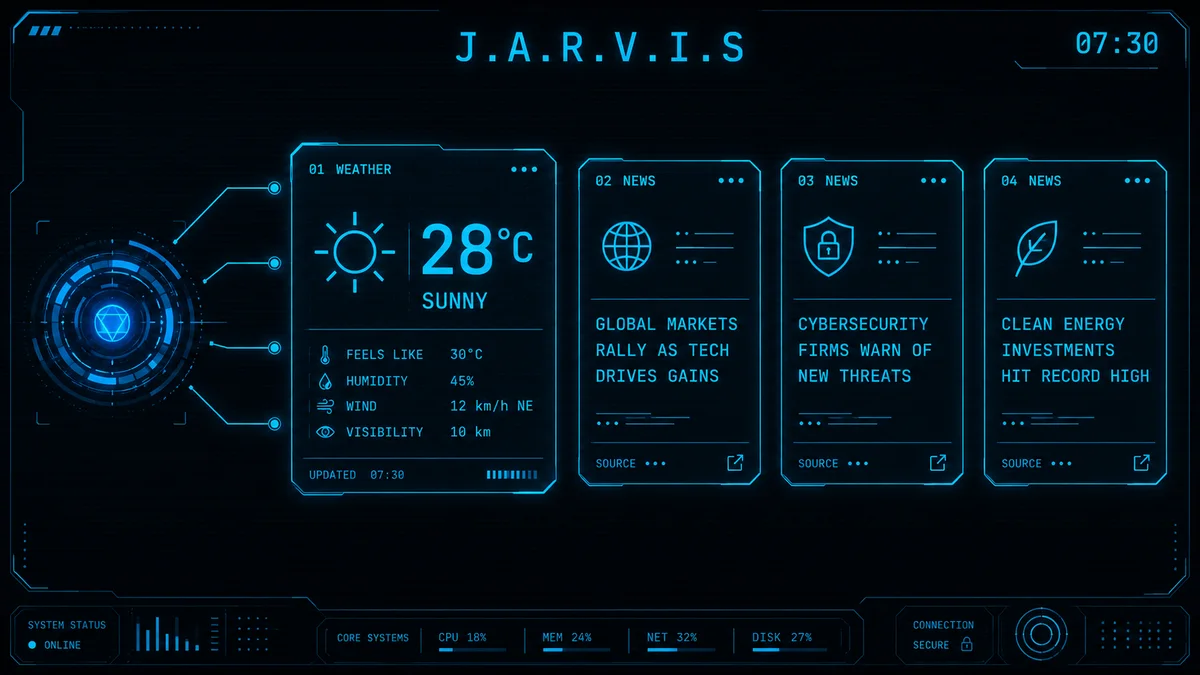
Weather, headlines, and your reminders — spoken while you make coffee. No unlocking your phone, no drowning in feeds.
05
It does the typing
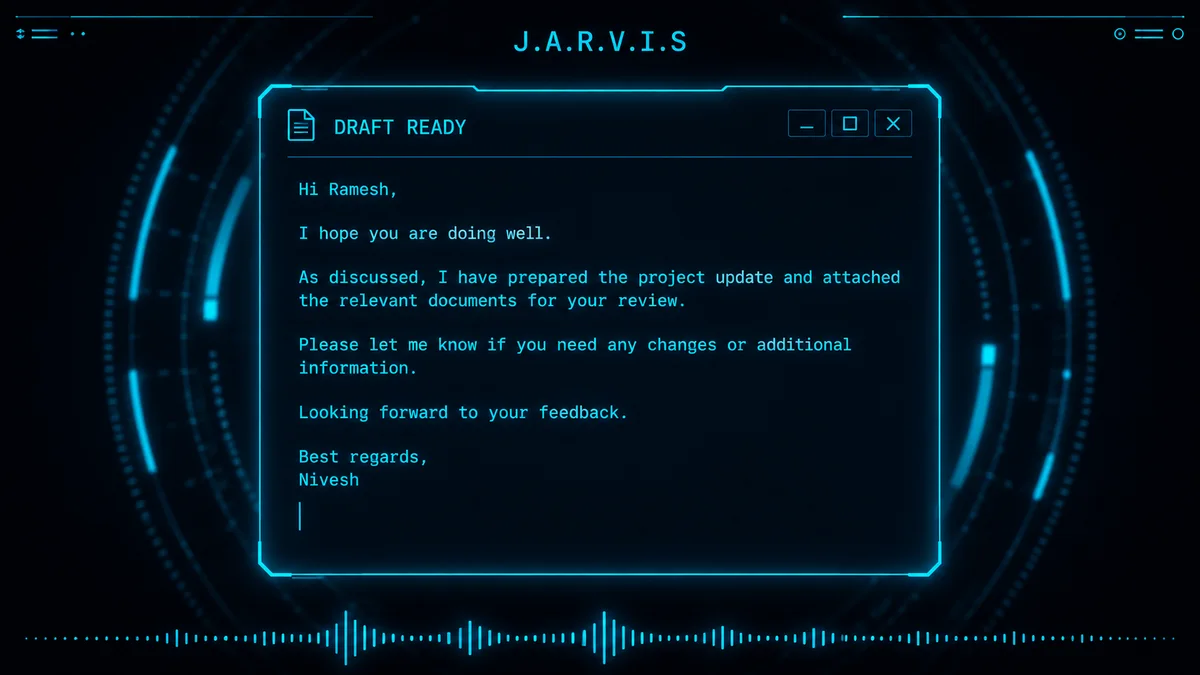
Emails, replies, captions, summaries — you say the intent, JARVIS drafts the words. The boring half of computer work, delegated.
What you can get done
One assistant. A dozen jobs.
🗣️
Talk naturally
Speak like you would to a person. JARVIS listens, understands, and answers out loud.
🖥️
See your screen
Ask about anything you're looking at — errors, documents, settings, forms.
🚀
Open & control apps
Launch Chrome, open folders, play music, run searches — all by voice.
⏰
Reminders & timers
Set them by voice, get them announced out loud when they're due.
🌦️
Weather & news
A morning-briefing on demand — current weather and top headlines, spoken.
✍️
Write anything
Emails, replies, captions, summaries — you say the intent, it drafts the words.
❓
Answer questions
Homework, tech doubts, recipes, explanations — a spoken conversation, not a link list.
📝
Take notes
Capture thoughts mid-work without switching windows or picking up your phone.
🔒
Private by design
Runs on YOUR machine with YOUR free API key. We never see a single word.
Setup
Running in 15 minutes. No code.
01
Download & install
Instant download after payment. Unzip it. On Windows, double-click Jarvis-Setup.exe; on a Mac, drag Jarvis into Applications. Nothing else to set up. The guide inside explains the warning your computer shows for a new app.
02
Paste your free key
On first launch JARVIS asks for a FREE Gemini API key from Google (2 minutes, no card). The README shows where to get it. If you can copy-paste, you can do this.
03
Say hello
Launch JARVIS and start talking. Try “what's on my screen?”, “open Chrome”, or “remind me to call mom at 6”. It just works, every day after.
All you need
💻 A Windows 10 or 11 PC (64-bit) or a Mac — not for phones or tablets
🎙️ A microphone and speakers (your laptop’s built-in ones are fine)
🆓 A free Google account — for the free Gemini API key
⏱️ 15 minutes, one time
No subscription. No monthly AI fees — JARVIS runs on Google’s free Gemini tier. No coding and nothing else to install — everything JARVIS needs is inside the download.
Pay once. Yours forever.
🚀 Launch Pricing — $19
What you get
✓ JARVIS desktop app — voice, vision, full PC control$99
✓ Plain-English setup guide (no coding needed)$19
✓ Runs on a FREE Gemini API key — $0/month to operate$19
✓ Lifetime free updates + 24×7 email support$9
Real-world value$146
$146
$19
Save $127 · one-time payment · no subscription, ever
For Windows 10 & 11 PCs and for Macs. The Mac version is new. Not for phones or tablets.
Pay withUPIVisaMastercardRuPayWalletsNetbanking
Secure Checkout (Razorpay)
Instant Download
Lifetime Free Updates
24×7 Email Support
Common questions
Questions, answered.
Yes. On Windows you run one installer (Jarvis-Setup.exe); on a Mac you drag Jarvis into Applications. Then you paste a free key — about 15 minutes in all. The guide in your download walks through each step, including the warning your computer shows for a new app. If you can copy-paste, you can run JARVIS. And if you get stuck on any step, email us — we answer 24×7 and will get you running.
₹0 per month. JARVIS runs on your own Gemini API key from Google, and Google's free tier is generous enough for everyday personal use. You pay us once for JARVIS; you never pay a subscription — not to us, not to anyone.
A Windows 10 or 11 PC (64-bit) or a Mac, a microphone and speakers (your laptop's built-in ones work), an internet connection, and a free Google account for the API key. That's it — everything else is inside the download, so you don't need anything pre-installed.
Mac: yes. A Mac version is now in the same download, for Macs with an Apple chip and for Intel Macs. It is new, and it was checked on macOS 15 (Sequoia). The first time you open it, your Mac asks you to allow it in System Settings, because Jarvis is not registered with Apple yet; the video in your download shows the clicks. Phones and tablets: no. JARVIS does not run on Android, iPhone or iPad, so please don't buy it for those.
We can't see anything — ever. JARVIS runs entirely on YOUR computer with YOUR API key. Your voice and screen never touch our servers; requests go directly from your machine to Google's Gemini API under your own account. It's your assistant, not ours.
Siri lives in Apple's walled garden and mostly sets timers. JARVIS lives on your computer where your actual work happens — it can see your screen and help with what's on it, control your desktop apps, and hold real conversations powered by a full AI model. It's an assistant for getting work done, not just checking the weather (though it does that too).
One zip file, delivered instantly: JARVIS for Windows (the one-click installer, Jarvis-Setup.exe), JARVIS for Mac (one file for Apple-chip Macs, one for Intel Macs), a README with setup steps, FAQs and troubleshooting, and lifetime access to updates — your download link works forever, and improvements land in the same download at no extra cost.
JARVIS understands and speaks English best. Because it's powered by Gemini, it can understand Hinglish and many Indian-language questions too — but for the smoothest experience, talk to it in English.
Email us and we'll debug it with you personally — that's what the 24×7 support is for. Nearly every setup issue is solved by one step in the guide people skim past, and we'll find it together.
One decision
Everyone will have an AI assistant soon. Yours can start today.
Big tech will eventually rent you one for a monthly fee. Or you can own JARVIS outright — one payment, your machine, your API key, no subscription ever. Fifteen minutes from now, your computer answers when you talk to it.